Online Audio Cutter & Trimmer
Cut MP3, WAV, AAC & ringtones directly inside your browser. Ultra-fast, 100% free, private local cutting with zero server storage.
Explore All Audio Processing Categories on mp3cut.in
Dedicated tools for all your audio editing needs — 100% free, browser local processing, with zero server uploads.
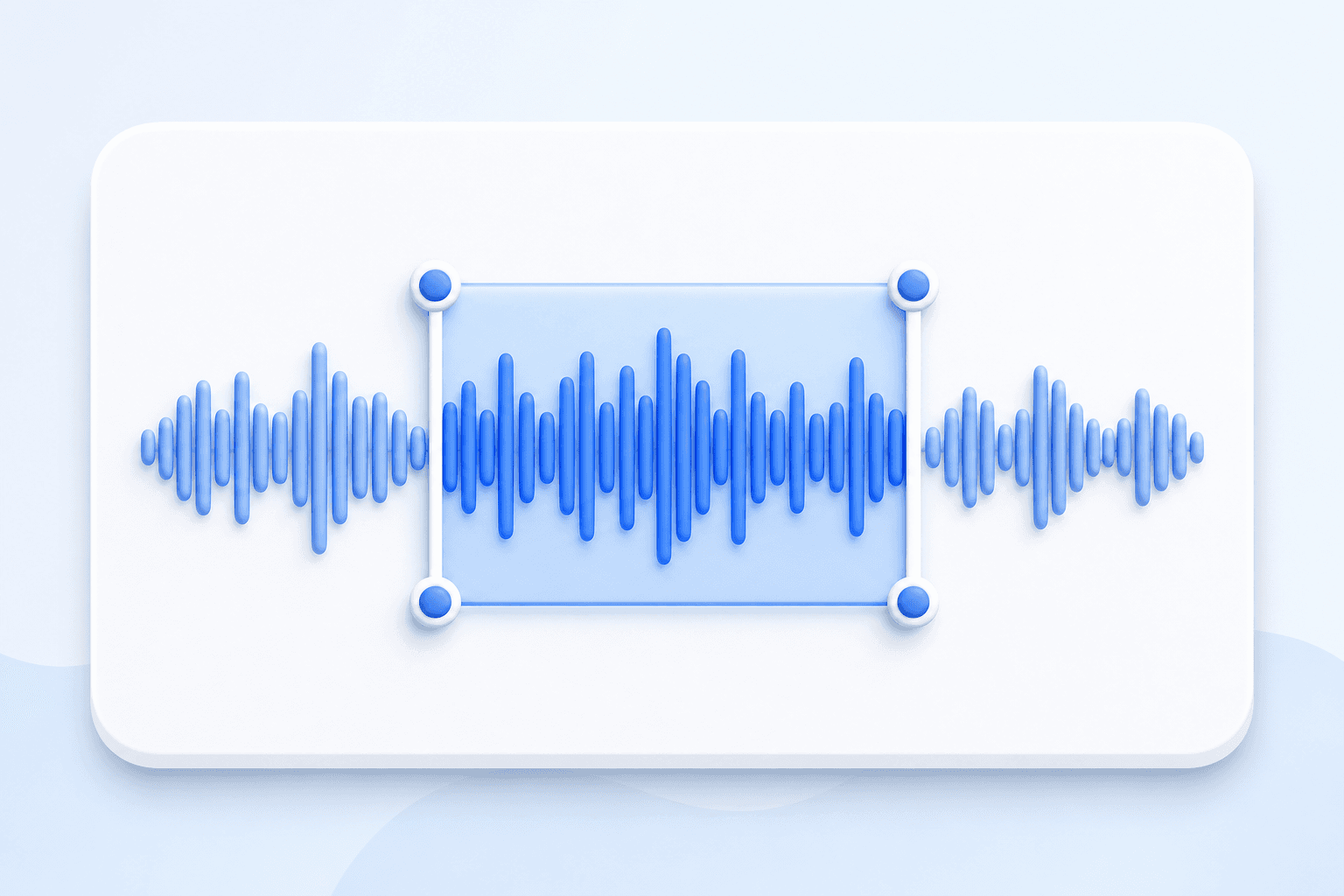
Online MP3 Cutter & Trimmer
Trim start/end points, remove unwanted parts, and save crisp audio clips.
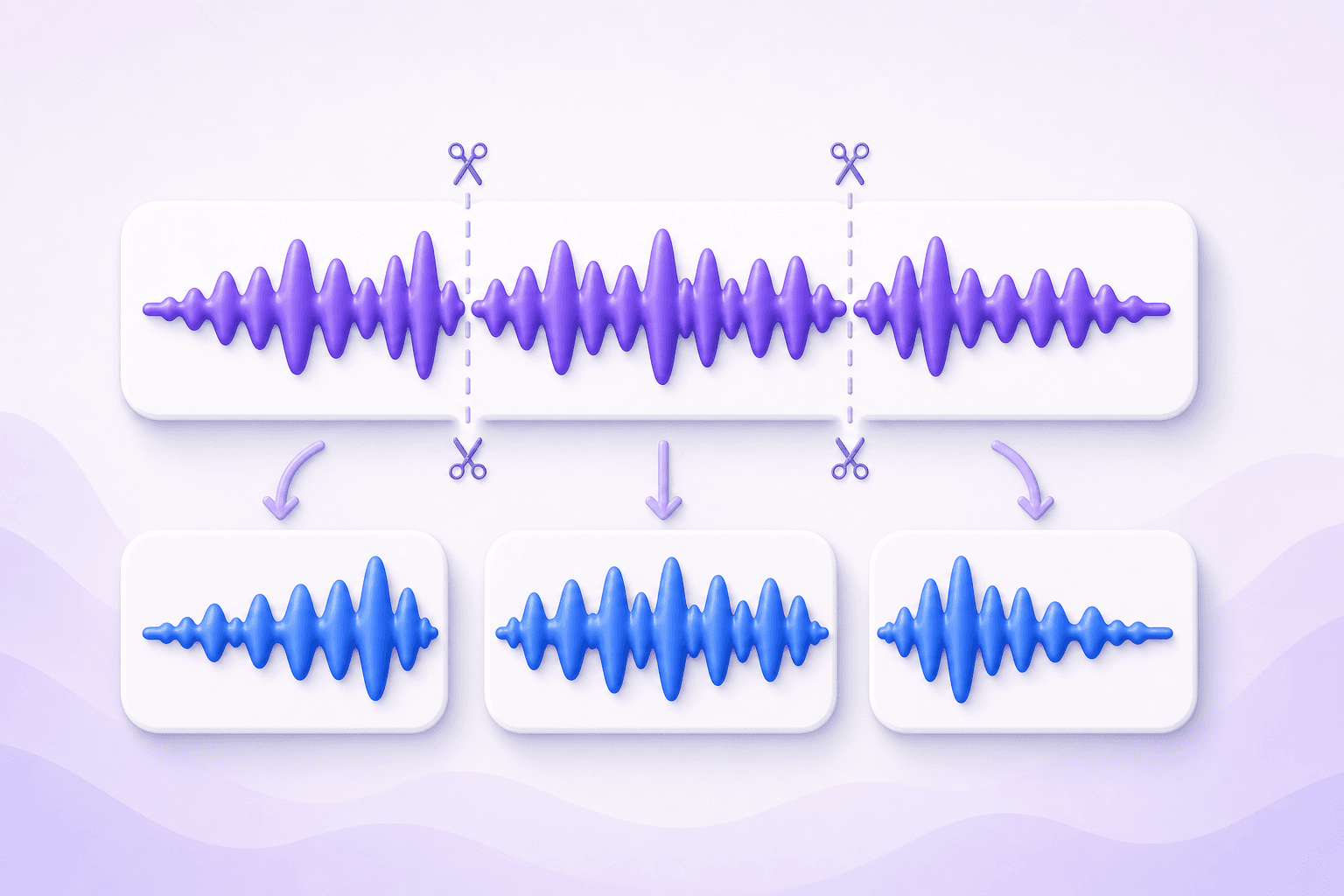
Multi-Segment Audio Splitter
Divide long MP3 audiobooks, lectures, or songs into multiple separate segments.
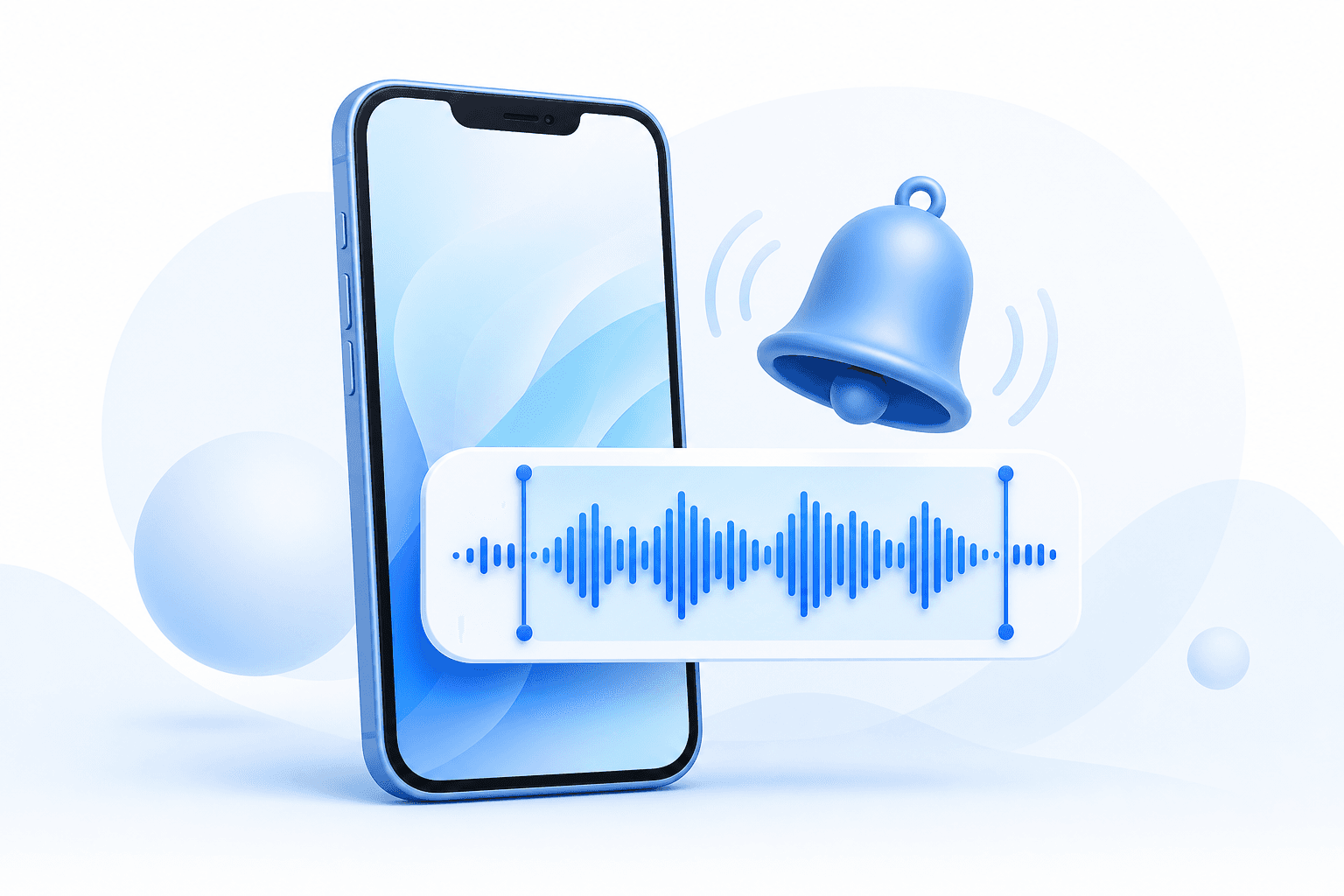
Custom Ringtone & Caller Tune Maker
Create custom caller tunes & alarm ringtones with smooth fade-in/fade-out effects.
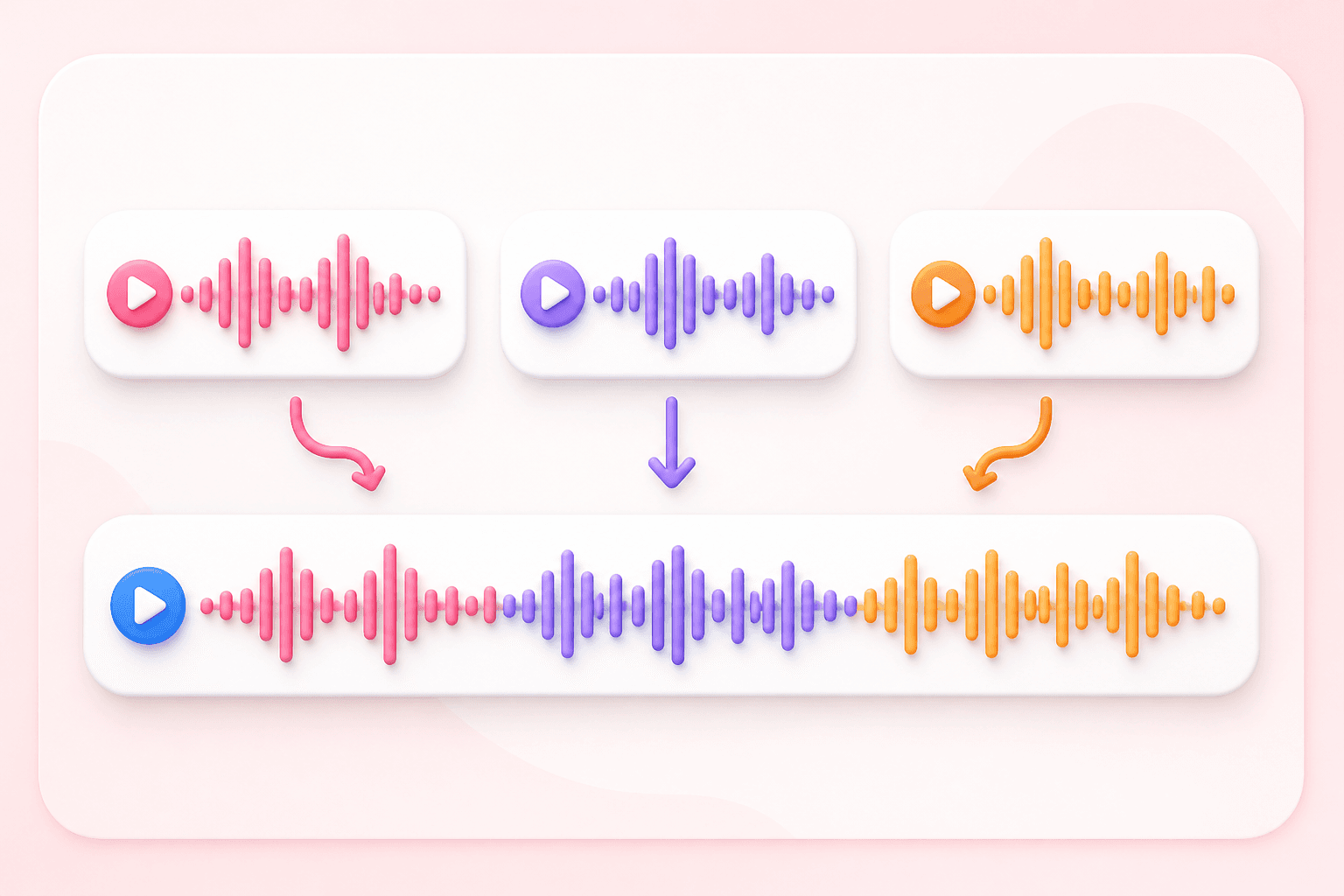
Audio Joiner & Song Merger
Combine multiple audio tracks into one continuous medley song.
Audio Volume Booster & Gain Controller
Adjust audio gain up to 300%; high gain can clip and distort the output.
Recommended Tools for You
WhatsApp Audio Trimmer
Cut audio files to under 30 seconds for quick sharing on WhatsApp Status.
Short Audio Clip Maker
Trim podcast clips, background music, and intro sounds for video creators.
Voice Note Splitter
Split long meeting voice recordings into small structured chapters.
How to Cut MP3 Audio Online in 3 Simple Steps
Follow these simple steps to crop MP3 songs, cut audio clips, and make phone ringtones in seconds.
1. Select Your Audio File
Click "Browse Audio File" or drag and drop your music track into the upload box on mp3cut.in.
2. Set Trim Markers
Drag the blue start and end sliders on the visual waveform or type exact start/end timestamps.
3. Cut & Save Track
Click "Cut & Download Audio" to save an edited WAV file to your mobile phone or computer.
The Ultimate Free Online MP3 Cutter & Audio Trimmer in India (mp3cut.in)
mp3cut.in is a browser-based set of audio editing tools. You can trim a compatible audio file, create a short clip for a ringtone workflow, split a recording at chosen time markers, or prepare a clip before sharing it from your device.
mp3cut.in processes selected audio in the browser using Web Audio APIs. No audio-upload endpoint is included in this application. Compatibility and processing time depend on the browser, device memory, source codec, and file length. Current exports are 16-bit PCM WAV files.
What to expect from the browser tools
100% Private Local Cutting
Your audio file is processed entirely inside your device browser memory. Files are never sent to any external server.
Ultra-Fast Performance
Selected files are processed in your browser. Timing depends on the file, browser, and device.
Common Audio Formats
MP3, WAV, M4A, AAC, and OGG work in many current browsers. Codec support can vary by browser.
Mobile & India Regional Support
Optimized for Android smartphones, iPhones, tablets, and desktops with native support for Hindi, Bengali, Marathi, and 5+ Indian languages.
Supported Audio Formats & Device Compatibility
The tools accept common audio formats such as MP3, WAV, AAC, M4A, and OGG when the browser can decode them. Support for other codecs varies by browser and operating system. Exports are 16-bit PCM WAV files, so the output format and size may differ from the source.
The interface is designed for current mobile and desktop browsers. Test a short file first, especially on a phone or when using a less common audio codec.
Frequently Asked Questions
Everything you need to know about mp3cut.in local audio trimming and privacy.